Inventory Management & Audit System



Benefits of Choosing IMAS with ReeArch Technology
With our innovative software solutions, businesses can achieve unprecedented levels of efficiency. Explore the key benefits that redefine success for our clients.
Enhanced Efficiency
Our solutions streamline operations, allowing businesses to save time and resources while improving productivity and overall performance.
Increased Visibility
Gain real-time insights into your operations with our systems, enabling better decision-making and quicker responses to changing market demands.
Cost Savings
Optimize your spending and reduce operational costs with our innovative technology, ensuring that every investment contributes to your bottom line.
Improves Customer Satisfaction
Inventory audits help ensure that the company can fulfill customer orders without delay, maintaining a positive customer experience. Regular audits help avoid the issue of having inaccurate or untraceable stock data, which could lead to stockouts or shipping delays.
Compliance and Reporting For Audit
In industries with regulatory requirements (like food, retail pharmaceuticals, or electronics), inventory management helps ensure compliance by Maintaining Accurate Records & Supporting Quality Control.
Prevents Stockouts and Overstocks
Effective inventory management ensures that businesses have the right products in the right quantities at the right time. This leads to Avoiding Stockouts & Preventing Overstocks.
Features of the Inventory Management & Audit System

Scheduling
The scheduling feature forms the backbone of the IMAS system. Users can upload a list of scan items along with their associated attributes. Based on the provided data, IMAS automatically generates an optimized schedule tailored to the selected date. This ensures efficient resource utilization and seamless workflow management.
Location Creation
Location is a crucial aspect of inventory management. It represents the specific place where stock is stored, making it easier to address any discrepancies that may arise. Locations must be defined and created prior to initiating scanning activities to ensure smooth operations.

Scanning
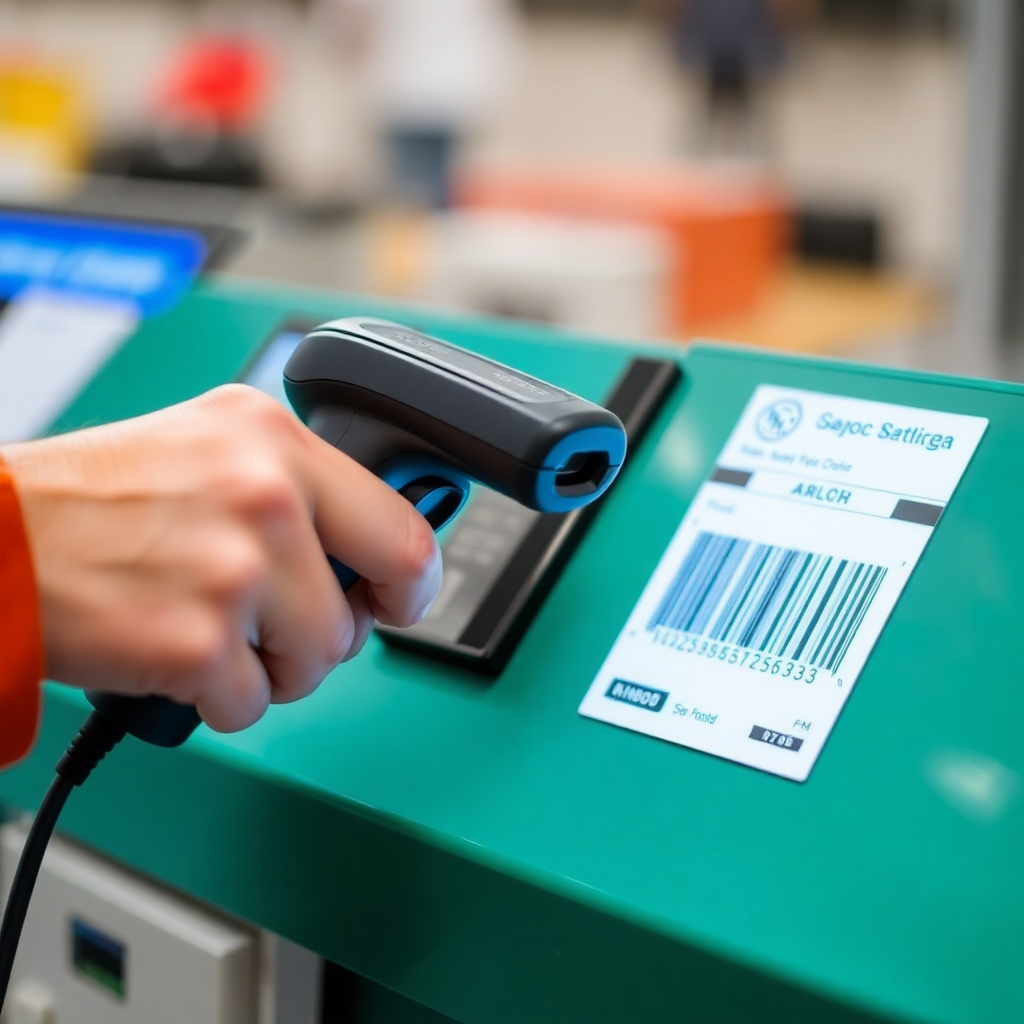
Scanning is a critical component of the process. Users must first download the schedule and then scan the stock items accordingly. Once scanning is completed, the data must be uploaded to the central application, enabling visibility for all users through the dashboard.
Reconciliation Dashboard
Reconciliation allows users to address discrepancies by performing re-inventory or uploading non-scanned items. It provides real-time updates of data uploaded from scanning devices, ensuring accuracy and transparency. Additionally, it offers a detailed, location-based view of the inventory for better organization and tracking.

Don’t Wait, Take Action Today!
OR EMail Us At: